Adobe Fill & Sign, as its title suggests, enables you to fill and sign forms, contracts, business documents, and many more. It is developed by one of the leading software companies that provide solutions vital for business and productivity. Thus, you can guarantee its reliability in processing various paperwork. With this, you no longer need to print, fax, or have any physical document just to work on your task.
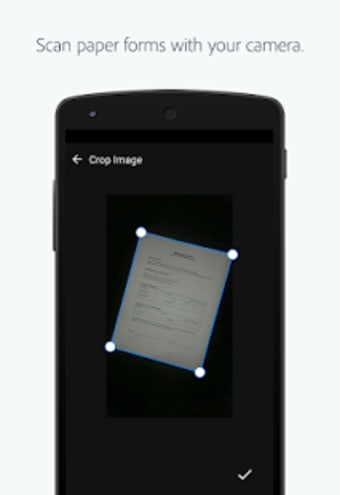
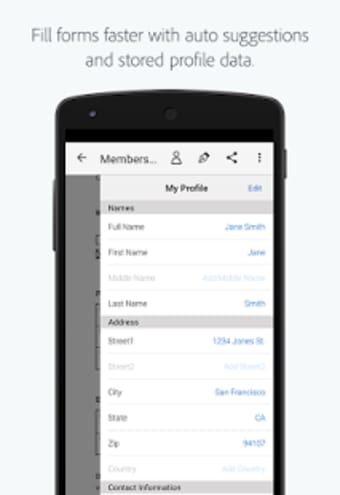
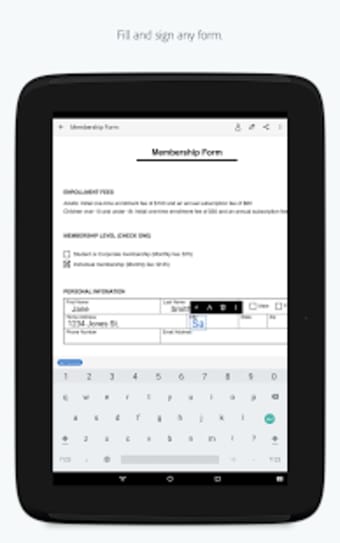
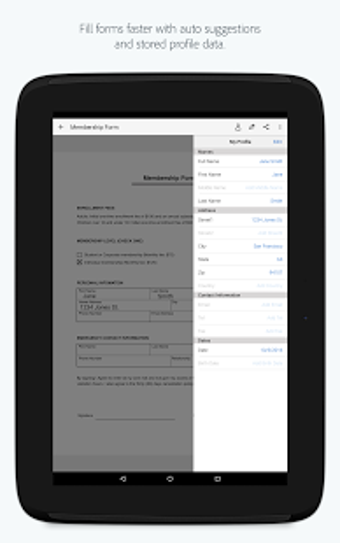
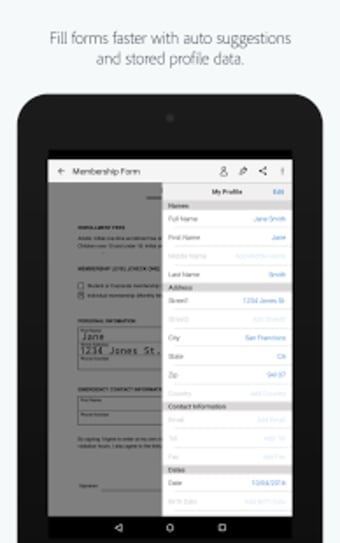
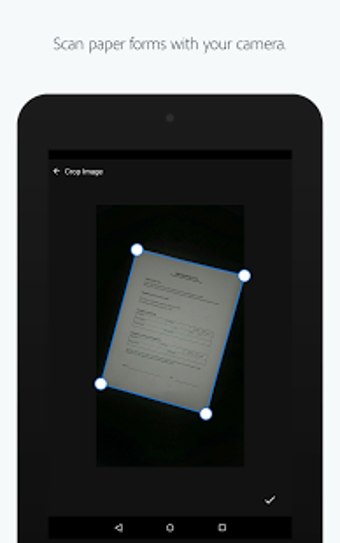
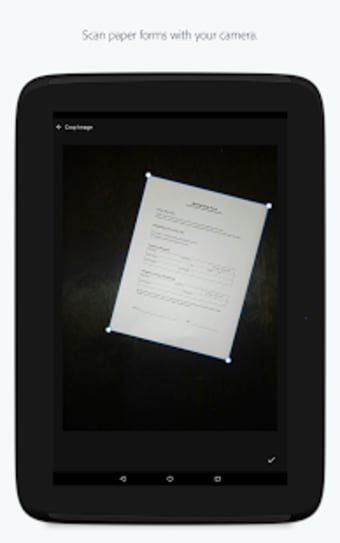
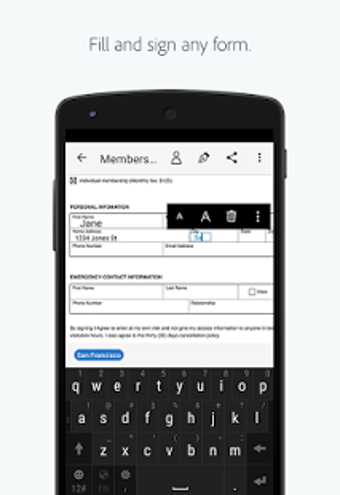
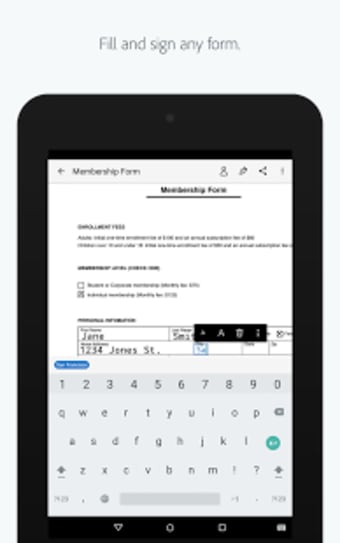
Through your smartphone's camera, this productivity utility allows you to scan a physical document just by taking a picture of it. If your file is in your email, on the other hand, you can directly open it from there. To fill the form fields, you only need to tap your screen to enter text. It also offers custom autofill entries that will enable you to input needed details even faster.
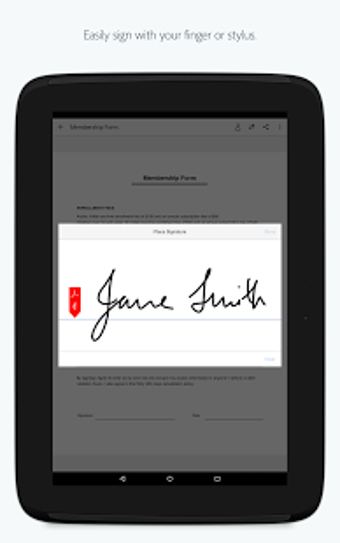
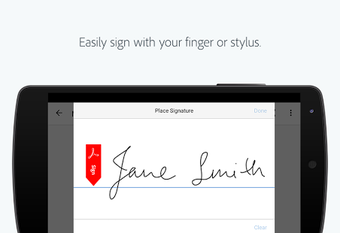
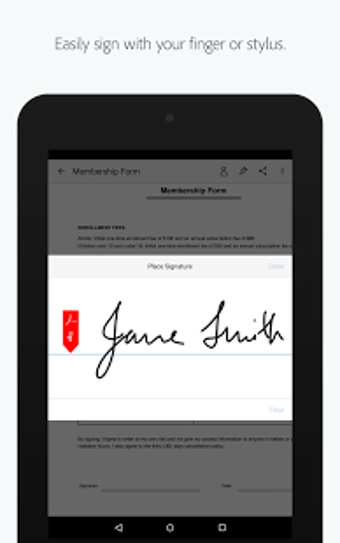
Furthermore, its document signer authorizes you to create your signature effortlessly using your finger or a stylus. Afterward, you can instantly apply it or your initials straight to the form. All the signed forms, contracts, and business documents can easily be saved and sent to others through your email, as well. Unfortunately, this app is not as sleek as it claims to be due to some drawbacks.
Its user interface needs to be more intuitive if not, they could provide a quick tutorial of its operation at the very least. Beginner users of this app specifically will take time to grasp its entire functionality. Not only that you will possibly struggle in changing the sizes of your texts as well as moving from the current page to the next page. Further updates that focus on improving these issues are badly needed to prevent a bad user experience.
Requires few enhancements for better usage
Adobe Fill & Sign is a handy business and productivity app. It gives you the power to instantly fill and sign various document files and send them immediately to intended recipients via email. However, several of its functions need to be overhauled as it gives hassle to the users more than convenience and comfort.
Pros
Fill and sign documents anytime, anywhere
Directly send files via email
Requires no printing and faxing of physical document
Laws concerning the use of this software vary from country to country. We do not encourage or condone the use of this program if it is in violation of these laws. Softonic may receive a referral fee if you click or buy any of the products featured here.